The Torah shelf
The Torah shelf is the week's Torah reading in Daf: the parasha and the haftarah, the divrei Torah from the Feed, and the essays in the vault on that parasha, all in one place before Shabbat. Reading here counts toward the hour like any other reading, and highlights work the same way.
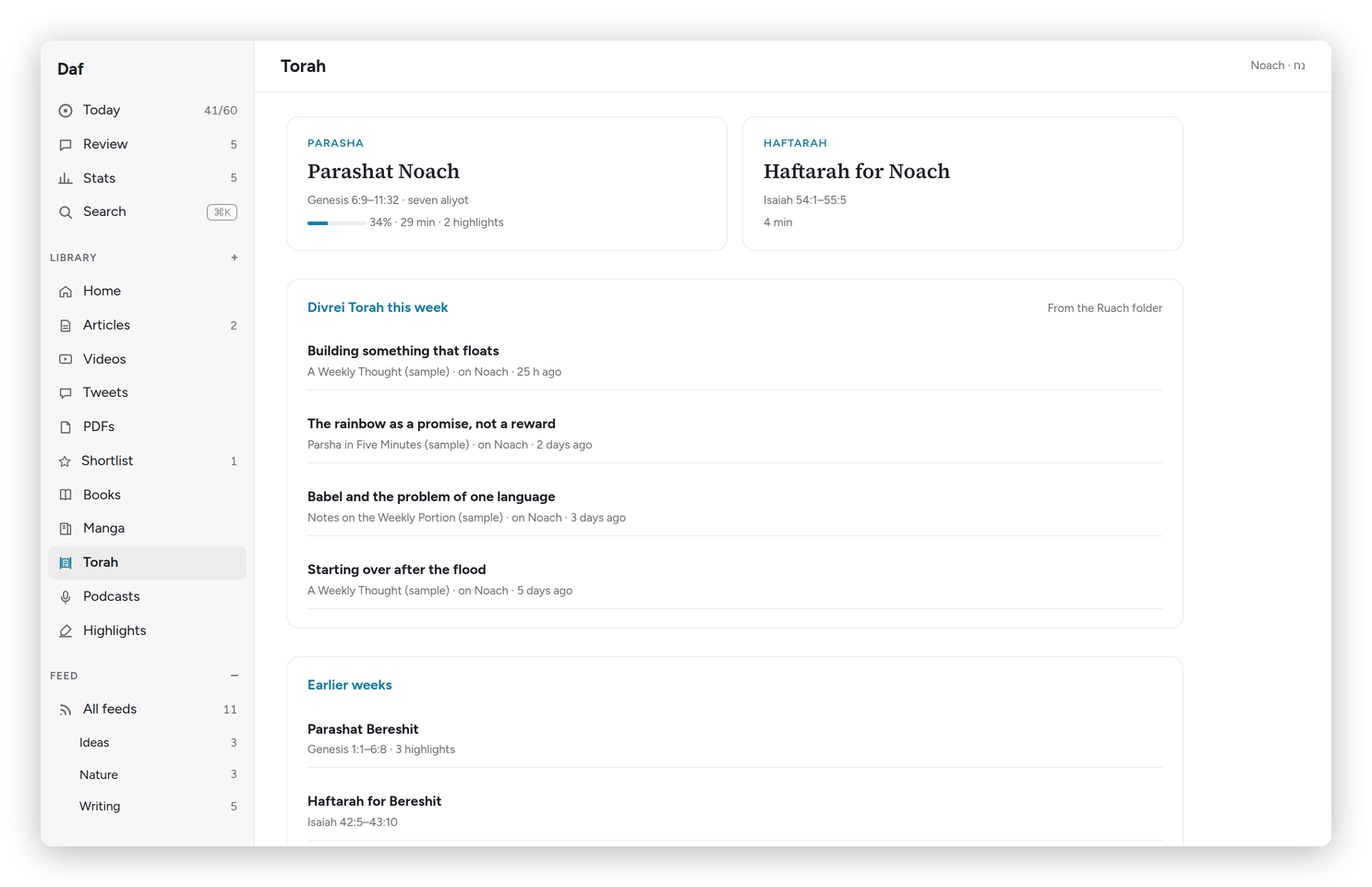 The Torah shelf for Noach.
What's on the shelf
Torah in the sidebar opens the shelf, with the parasha's name at the top right.
- Parasha and Haftarah: this week's readings from Sefaria's calendar (the diaspora schedule, in your home time zone), with the verses and the Shabbat they're read on.
- Divrei Torah this week: the posts from the "Ruach" folder of my Feed, the ones that name this parasha first.
- From your vault: essays filed in the vault under this parasha, like Rabbi Sacks' Covenant & Conversation kept as a folder of essays for each parasha. They open in Daf, so the time counts, and highlights go back into the same note.
- Earlier weeks: the parashiot from the weeks before, still there if you fell behind.
On Friday, Today reminds you that Shabbat is coming and that the parasha is waiting here.
Reading the parasha
The parasha opens verse by verse, the Hebrew (with nikud, without the cantillation marks) beside the JPS English, under a heading for each aliyah: Rishon, Sheni, Shlishi and on to Maftir. The contents on the left jump between them.
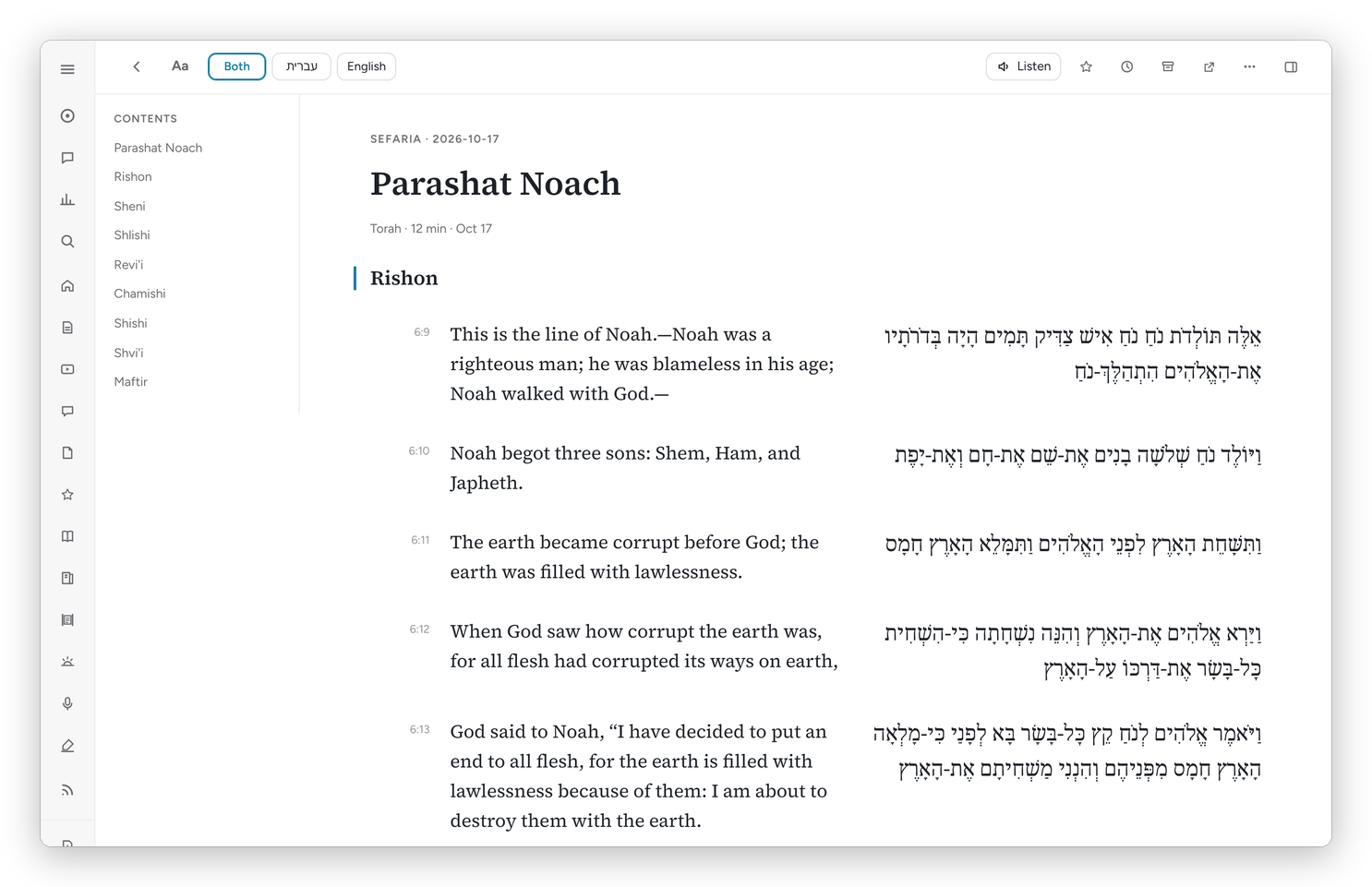 Parashat Noach, English beside the Hebrew.
The buttons at the top switch between Both, עברית and English. On a phone there's one button that flips between them. Hebrew is set in Frank Ruhl Libre, and Aa can change the size like anywhere else.
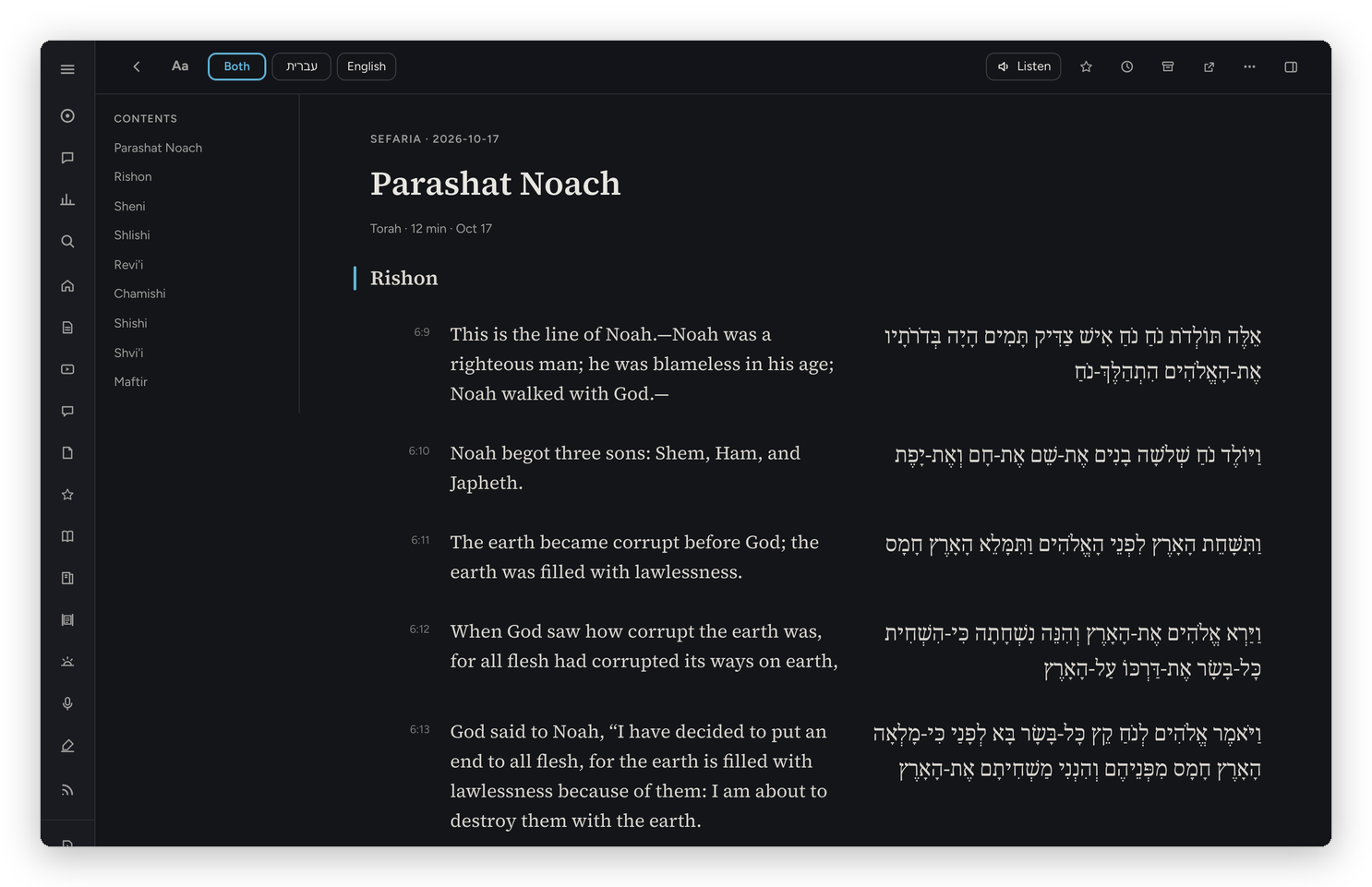 The same, in dark mode.
Highlights and notes
Select a verse, or part of one, and highlight it the usual way. Torah highlights go into a note in the vault under Reference/torah, each with its verse reference, and into the daily review with the rest. A highlight in one of the vault essays goes back into that essay's own note.
Looking up a word
This is the part I use most. Select one Hebrew word and press Define, and Daf shows the entries from Sefaria's dictionaries: BDB, Klein and Jastrow. For an English word, the definition comes from Wiktionary.
Select a Hebrew phrase instead and the button says Translate. And when a dictionary isn't enough, In this sentence explains what the word means right where it is, which takes about ten seconds because it's Claude reading the verse with you.
Basically, instead of the Chumash on one side of the table, a dictionary on the other and the essays on a third screen, it's all on one page, and the time you spend there is reading time.