Settings
Open them from the menu bar icon (Settings…) or with ⌘, in the scripts window. Everything changes the prompter as you move it, even while it's showing, so you can set it up mid-rehearsal.
Prompter
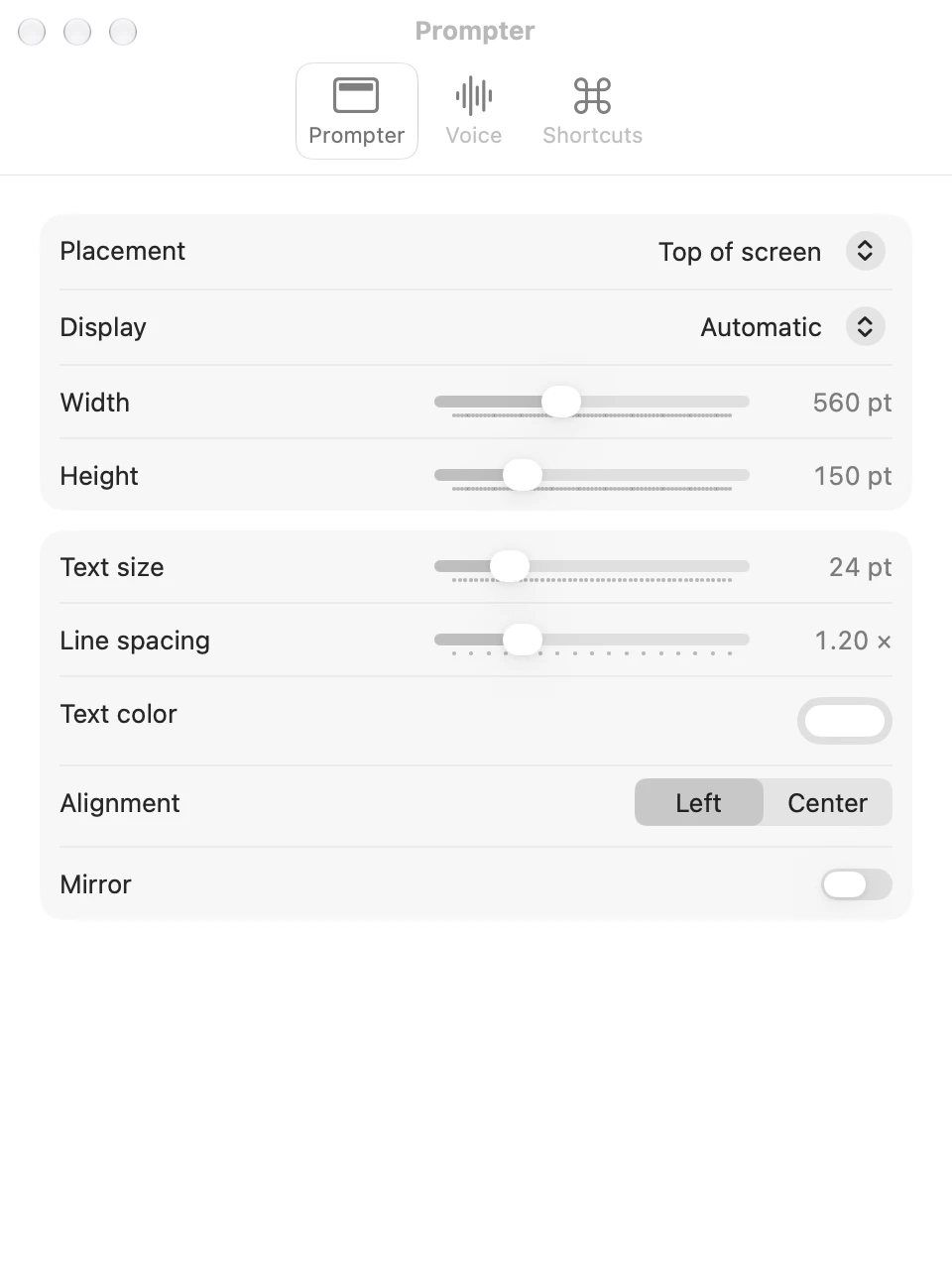
| Setting | What it does | Default |
|---|---|---|
| Placement | Top of screen hangs it from the top edge, under the camera. Floating makes it a card you can drag anywhere. | Top of screen |
| Display | Which screen it goes on. Automatic is the one with the notch, or the main one if none has a notch. | Automatic |
| Width | How wide it is, 280 to 1000 points. At the top of the screen it's never narrower than the notch plus a little. | 520 pt |
| Height | How tall the text part is, 60 to 420 points. | 150 pt |
| Text size | 14 to 64 points. | 24 pt |
| Line spacing | 1.0 to 1.8 times the line height. | 1.2× |
| Text color | Any colour. Cues and notes are drawn in a dimmer shade of it. | White |
| Alignment | Left or Center. | Left |
| Mirror | Flips it left to right, for reading off a teleprompter's glass. | Off |
Voice
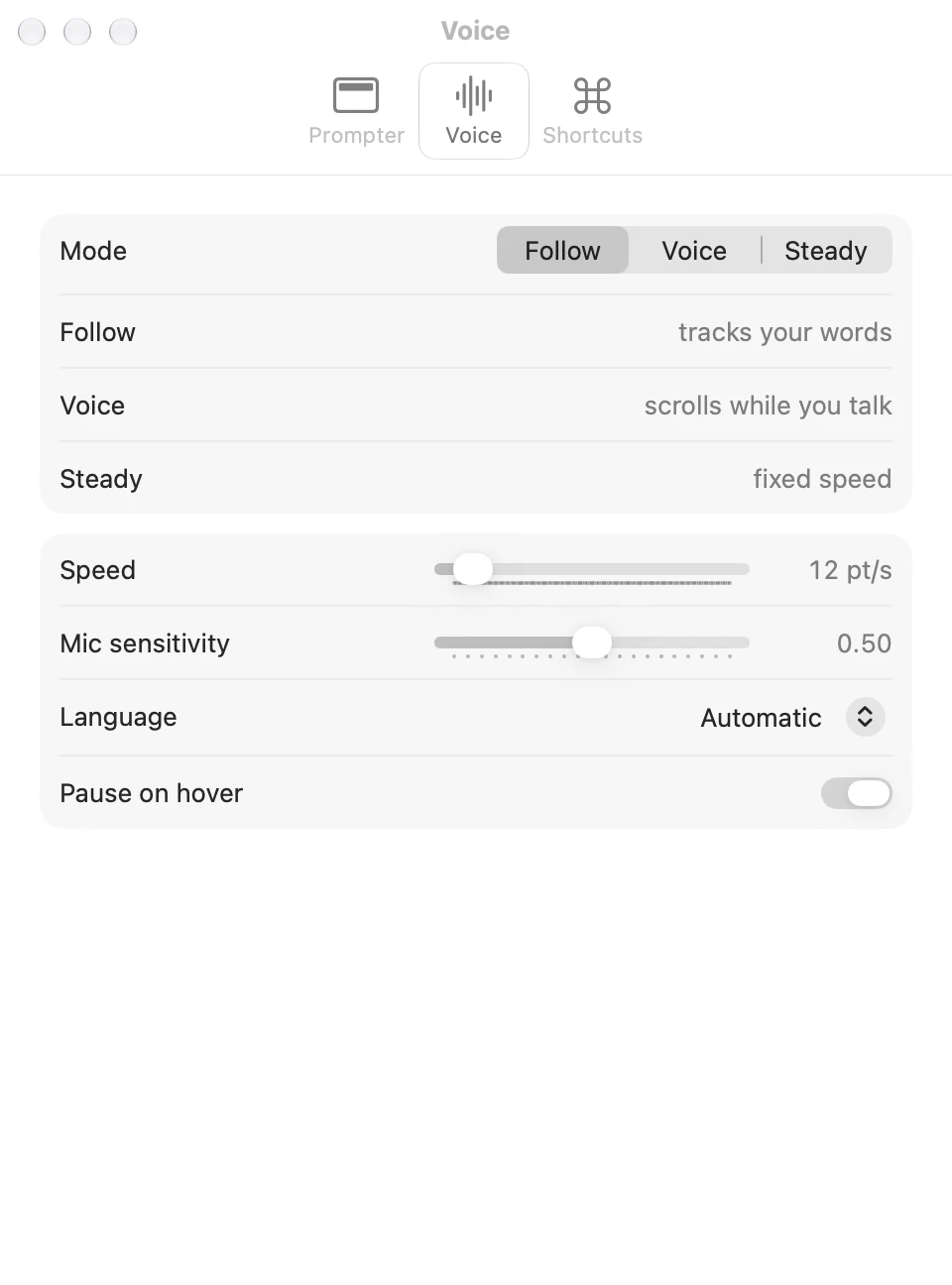
| Setting | What it does | Default |
|---|---|---|
| Mode | Follow, Voice or Steady. Follow, Voice and Steady explains them. | Follow |
| Speed | How fast Voice and Steady scroll, 4 to 120 points a second. ⌃⌥= and ⌃⌥− change it from anywhere. | 12 pt/s |
| Mic sensitivity | How quiet still counts as talking, for Voice and for the dot. Higher hears softer speech. | 0.50 |
| Language | The language Follow listens for. Automatic is your Mac's. | Automatic |
| Pause on hover | Whether pointing at the prompter pauses it. | On |
Shortcuts
The list of shortcuts, as in Shortcuts and the menu bar.
Where they're kept
In ~/Library/Preferences/xyz.tiresia.prompter.plist. To start over with the defaults, quit Prompter and run
defaults delete xyz.tiresia.prompter.