Hidden from screen shares
The prompter's window is marked as one macOS should leave out whenever something captures the screen. So when you share your screen on a call, record it, or take a screenshot, the capture shows whatever is behind the prompter, as if it weren't there, while you see it as usual.
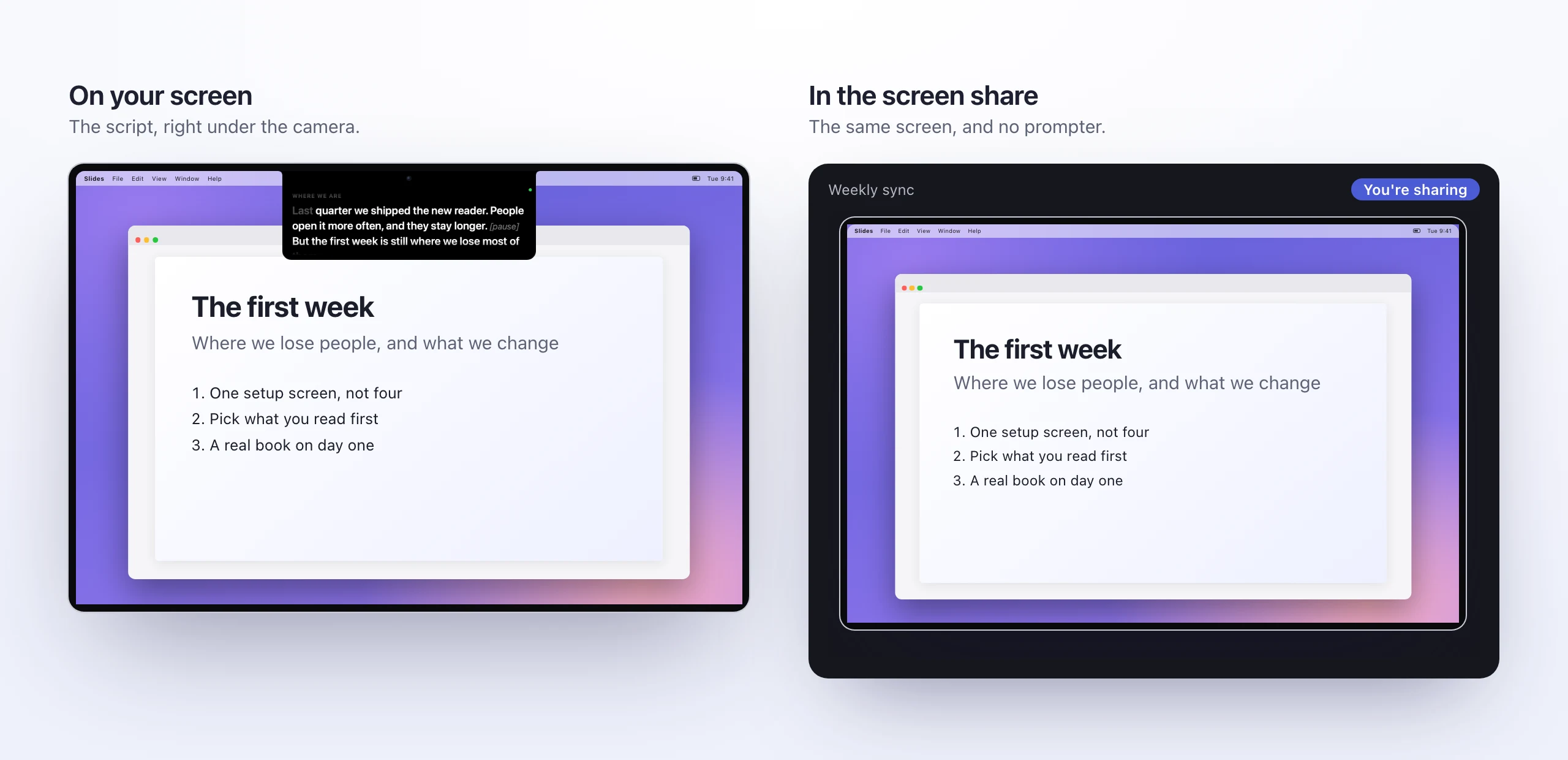
What's been checked
On macOS 27, a screenshot of exactly the spot where the prompter sits shows the menu bar and the windows behind it,
and the window server reports the prompter's window as not shareable. ./selftest.sh checks both every time it
runs.
What hasn't been checked is each call app one by one. They all capture the screen through macOS, so they should behave the same way, but before a call that matters, share your screen once in a test call and look at what the other side sees.
Where it still shows
Leaving a window out of a capture only works for captures. It doesn't help when the picture of your screen is the screen itself:
- Mirroring to a projector, a TV or AirPlay. A mirrored display shows exactly what your screen shows, prompter included. Use the display as an extended screen instead, and keep the prompter on your own screen (Settings › Prompter › Display).
- A capture card recording the Mac's video output, which sees what a mirrored display would.
- Anyone looking at your screen, or a camera pointed at it.
And your face
The camera sees you, not your screen. With the line you're reading right under the lens, reading looks like looking at the person you're talking to, which is the whole idea.