What is Borer?
Borer picks the release for whatever Radarr and Sonarr are missing. My family asks for things in Seerr, Seerr adds them to Radarr and Sonarr, and Borer does the search I used to do by hand: it looks at every release the indexers have, throws out the fakes and the junk, and picks the one I would have picked. When it's sure, it grabs it on its own. When it isn't, it shows me the top three and I pick with one tap.
The name is the Hebrew בורר, picking the good out of the bad.
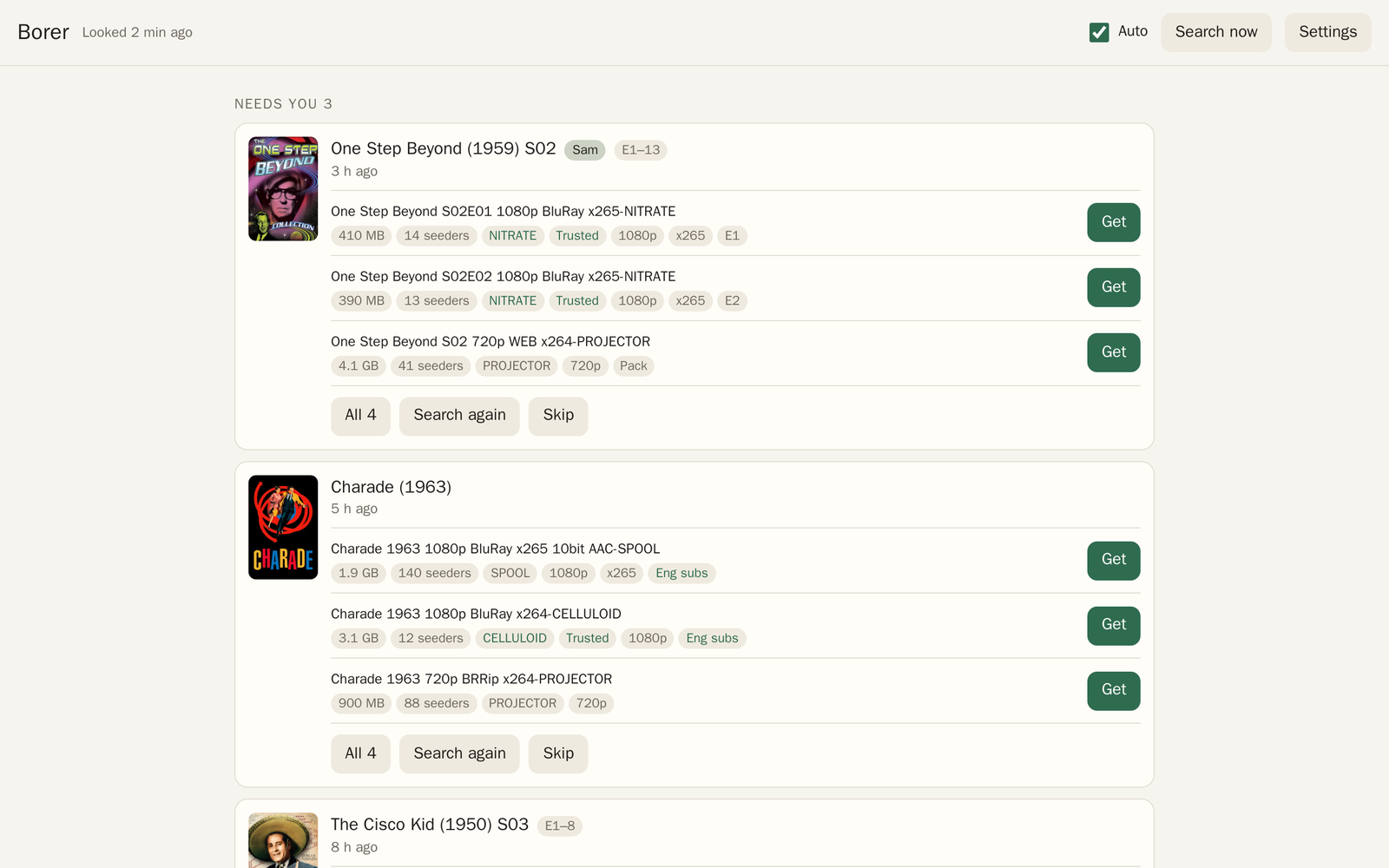 Needs you, with the top three releases for each one.
What it does on its own
- Searches everything Radarr and Sonarr are missing, a few at a time so the indexers don't give up on it.
- Grabs the top release when it's sure: 1080p, well seeded, from a group I trust, and a normal size. See How it picks.
- Checks every torrent the moment its file list arrives, and every file that lands in the library. A fake is thrown out and the next release picked. See Catching fakes.
- Drops a download that stops moving, and picks another.
- Sets how long each torrent seeds, by how many other people are seeding it. See Seeding.
What it leaves for me
Anything it isn't sure about goes under "Needs you" on the page, and anything new there goes in my 07:15 email too. It never brings back something I deleted, even if Sonarr or Radarr still has it monitored: that sits under "Skipped" until I search for it again. See The page.
Where I open it
- On the tailnet: port 8500 on my server's tailnet address. No password, because Tailscale already knows it's me.
- Anywhere else: https://borer.tiresia.xyz, with my password. Signing in lasts a year on that browser.
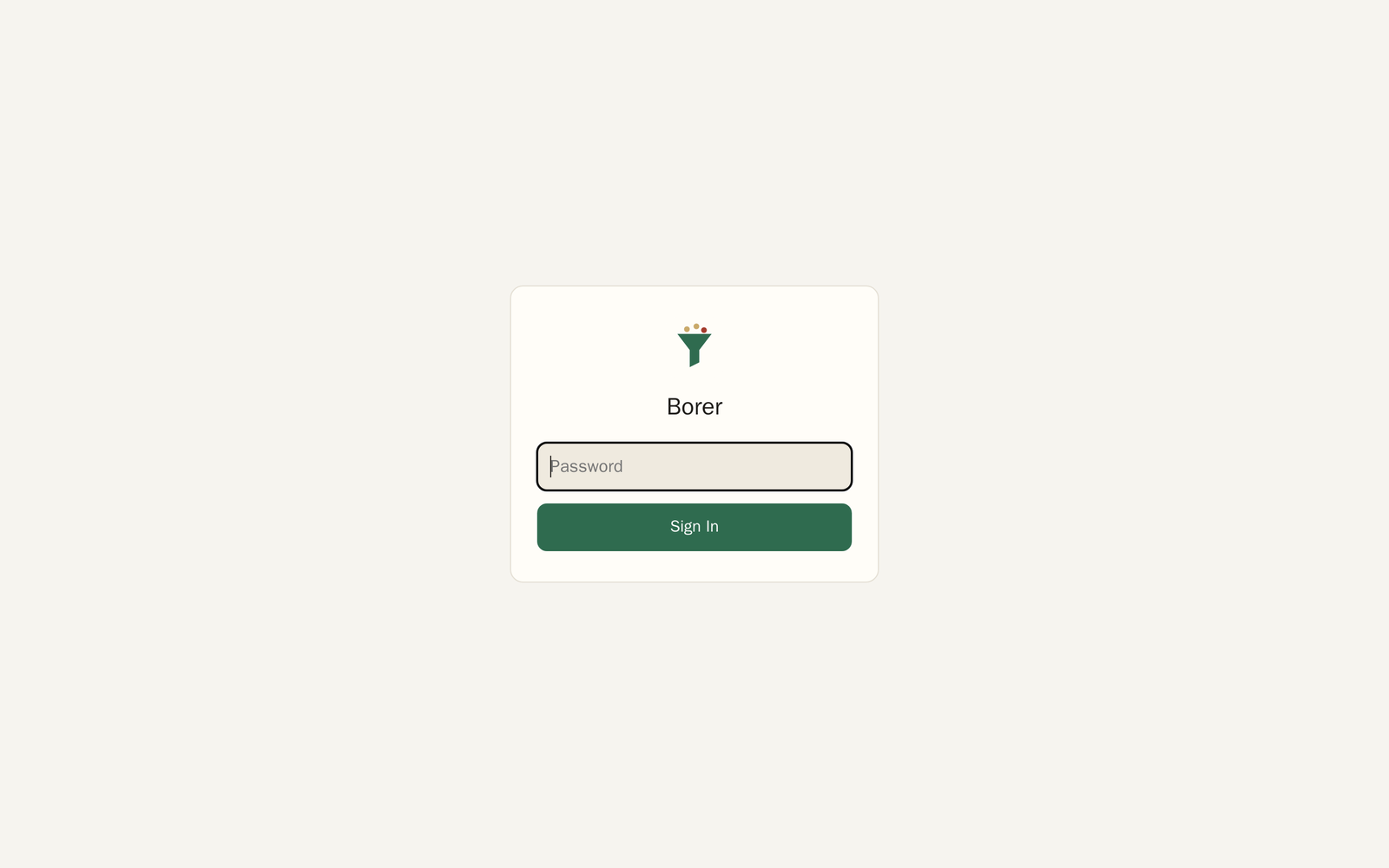 borer.tiresia.xyz asks for the password first.
Borer can delete things from the library and from Transmission, which is why the public address has a password in front of EVERYTHING, the page and every action on it. The tailnet gets straight in. Too many wrong passwords and it makes that address wait, and the page's log says so. To change the password, see Developing and running it.
Where things are
- The page: see The page.
- The rules it picks by: see How it picks and Settings.
- The service, the state and the tests: see Developing and running it.
Next: The page