Into GoodNotes
Regarding getting the stickers into GoodNotes, this page has the three ways I know of: pasting one sticker onto a page, keeping it in GoodNotes' Elements to use again, and bringing in a whole set at once. The same steps are in Peel itself, under How do I use them? at the top right.
One honest note first: I put the GoodNotes steps together from guides on the web, and I haven't tried each one myself, and GoodNotes changes its menus now and then. If a button has a different name on your iPad, go with what you see, and feel free to open an issue so I can fix the page.
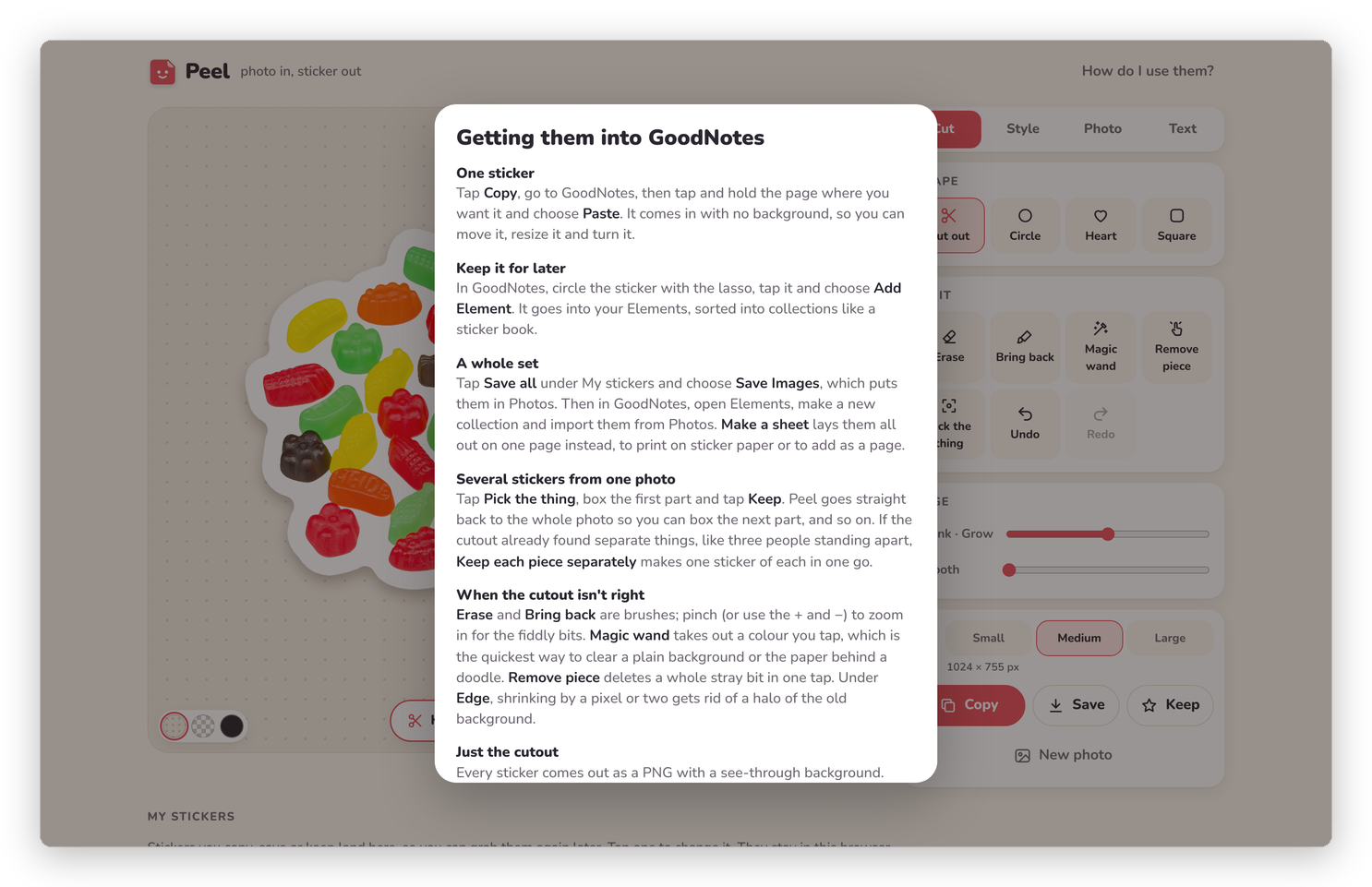 The same steps, in Peel's own help.
One sticker
- In Peel, tap Copy.
- Go to GoodNotes, then tap and hold the page where you want the sticker.
- Choose Paste.
It comes in with no background, as a picture you can move, resize and turn like any other. If Copy doesn't work in your browser, tap Save, choose Save Image, and add it from Photos in GoodNotes instead.
Keep it for later
In GoodNotes, circle the sticker with the lasso, tap it and choose Add Element. It goes into your Elements, where you can sort stickers into collections like a sticker book, and from then on it's one tap away in any notebook.
A whole set
- In Peel, tap Save all under My stickers and choose Save Images, which puts them all in Photos.
- In GoodNotes, open Elements and make a new collection.
- Import them from Photos.
Or tap Make a sheet in Peel instead, which lays them all out on one page. Save it as a PDF or a picture, and you can print it on sticker paper or add it to a notebook as a page. Getting it out has the details.
Other apps
The stickers are ordinary PNG pictures with a see-through background, so they work anywhere that takes a picture: Notability, Freeform, Procreate, Messages, Canva and the rest. Copy and paste is usually the quickest, and Save is there for everything else.
Basically, instead of a sticker pack someone else made, you have stickers of YOUR things, in whatever app you write in.
Next step
That's the whole tour. If you'd like to run your own copy of Peel, Your own copy is next.