The browser extension
Forest has a browser extension that keeps you off the sites you drift to while a tree grows, and this is the cat version of it. While a focus block runs in Chataltul, the sites on your list show a cat instead: "Boo! Miso is growing.", with what you're working on, how long is left, and a button back to Chataltul. When the block's over, the list switches itself off, and any page the cat was standing in for opens by itself, so you can pick up where you left off.
You can also turn it around: instead of a list of sites to block, a list of sites to keep, and the cat stands in for every other site. That's the way to say "only my work sites."
It works on a computer in Chrome, Edge, Brave and the other Chromium browsers, and in Firefox 140 or newer and the browsers built on it, like Zen. It doesn't need an account and it doesn't talk to any server. It hears about your blocks from the Chataltul page itself, which means it works with my copy at stuffs.tiresia.xyz/kavana, and with a Chataltul on localhost while you work on the code.


YouTube during a block, in light and dark mode.
Install it
It isn't in the Chrome Web Store or on Firefox Add-ons yet, so for now you load it yourself, which takes a minute. First get the folder: on GitHub, the green Code button, then Download ZIP, and unzip it (or git clone the repo). The extension is the extension folder inside.
In Chrome, Edge or Brave:
- Open
chrome://extensions(edge://extensionsin Edge,brave://extensionsin Brave). - Turn on Developer mode at the top right.
- Click Load unpacked and pick the
extensionfolder.
A "Sites to block" tab opens with the starting list, and that's it. It stays installed after a restart. If you want to see the minutes left during a block, pin the Chataltul button to the toolbar from the puzzle-piece menu.
In Firefox or Zen:
- Open
about:debugging#/runtime/this-firefox. - Click Load Temporary Add-on… and pick
manifest.jsoninside theextensionfolder.
Firefox (and Zen) only keeps a temporary add-on until it quits, so you'll have to load it again after a restart. That changes once it's signed and on Firefox Add-ons.
If Chataltul was already open in a tab, you don't have to reload it, the extension finds it. To update the extension later, get the new folder and click the reload arrow on its card in chrome://extensions (or Reload in Firefox's about:debugging).
Using it
Basically, you don't do anything different. Start a block in Chataltul the way you always do, and the list turns on until the block ends. Once the extension is there, Chataltul's Settings has a row, Block sites while you focus, that says On.
At the top of the list, The cat comes for has two choices: Only these sites, the sites you block, which is how it starts, and Every site except these, the sites you keep (more on that one below).
The list starts with YouTube, Reddit, X, Twitter, Facebook, Instagram and TikTok. To change it, click Edit the list on the cat page or in the toolbar button. Type a site and press Add, like "news.ycombinator.com", or paste a whole address and it keeps just the site. A site covers its subdomains too, so reddit.com also blocks old.reddit.com and www.reddit.com. During a block you can ADD sites but you can't take any off, which is kind of the point. Remove comes back as soon as the block's over, and Back to the default list puts the starting list back.
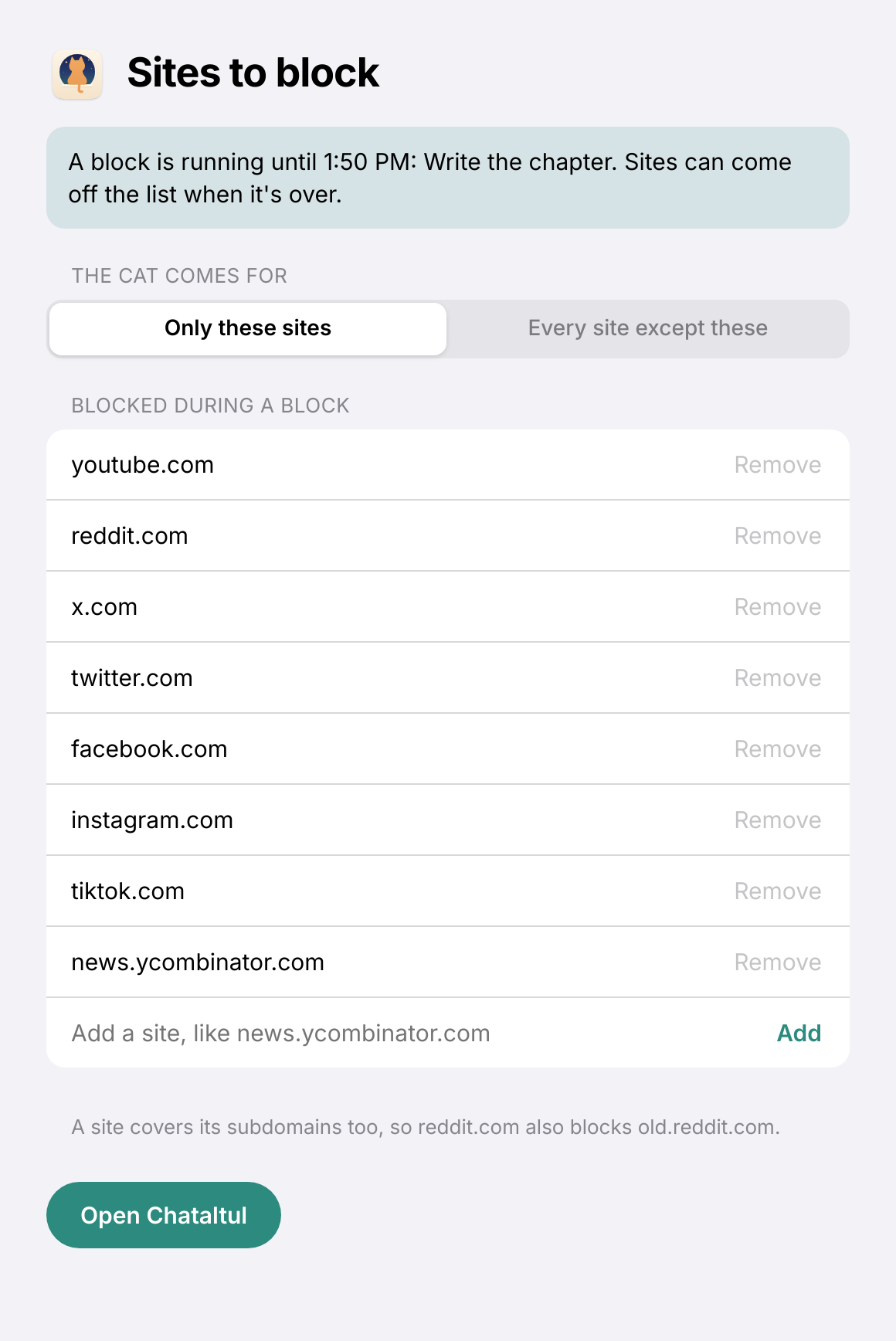
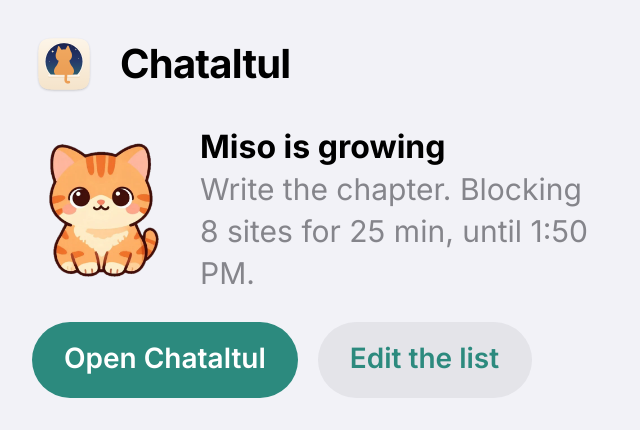
The list during a block, and the toolbar button.
The toolbar button shows the minutes left during a block, and clicking it shows the kitten, what you're on and how long is left, with Open Chataltul and Edit the list. Back to Chataltul on the cat page switches to your Chataltul tab if one's open, or opens Chataltul right there.
Every site except these
Pick Every site except these and the list becomes Sites to keep: the sites that stay open during a block, like docs.google.com, github.com or a dictionary. Every other site shows the cat, with "Only the sites on your list open until 1:50 PM." Chataltul itself always stays open. A site covers its subdomains here too, so keeping google.com keeps docs.google.com and mail.google.com.
It works the other way around during a block, so it can only get stricter: you can take a site off the list, but you can't add one until the block's over. You also can't switch between the two choices in the middle of a block. So put your work sites on the list before you start. With nothing on the list, every site shows the cat.
The two lists are kept apart, so switching back to Only these sites finds your block list the way you left it.
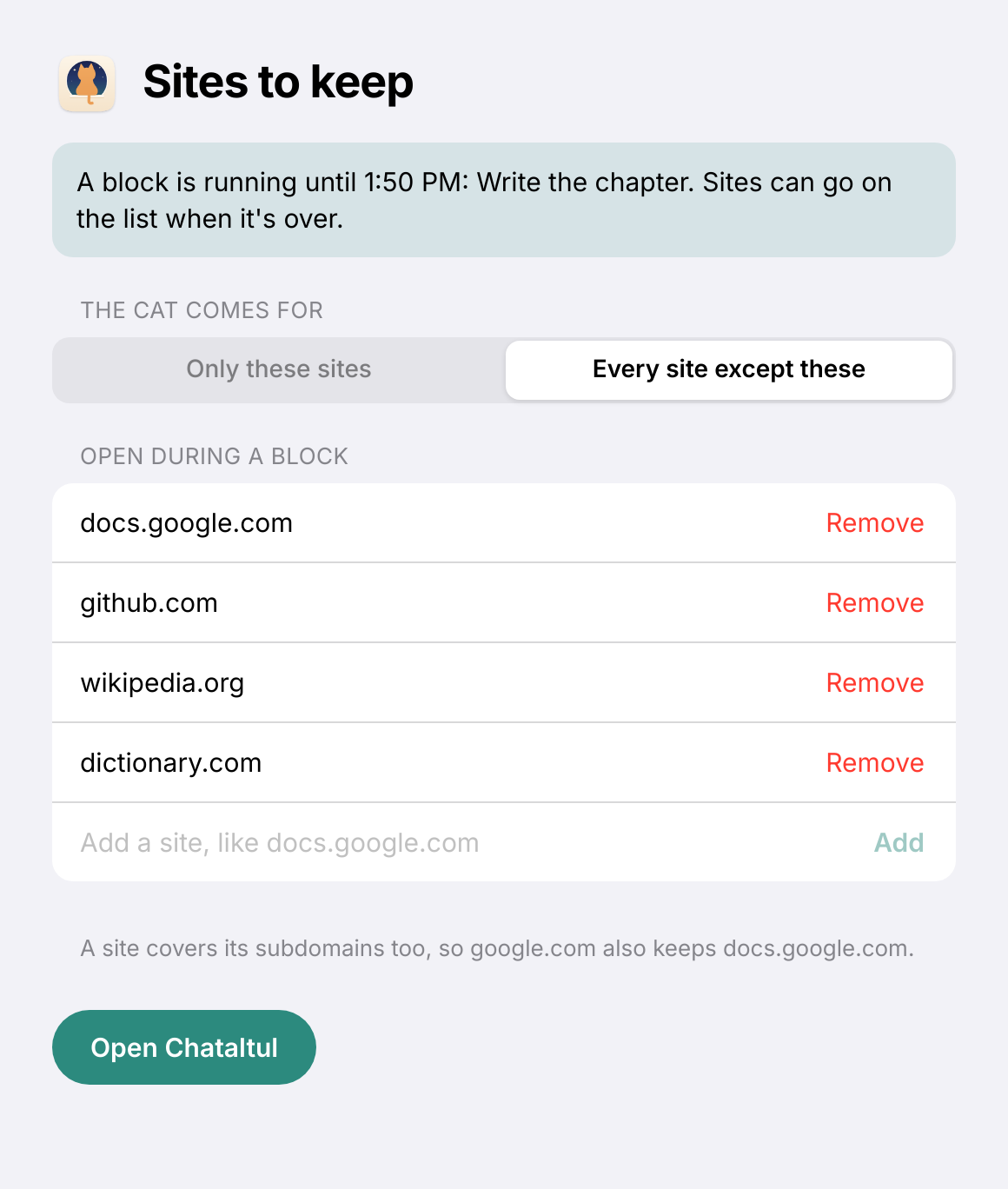
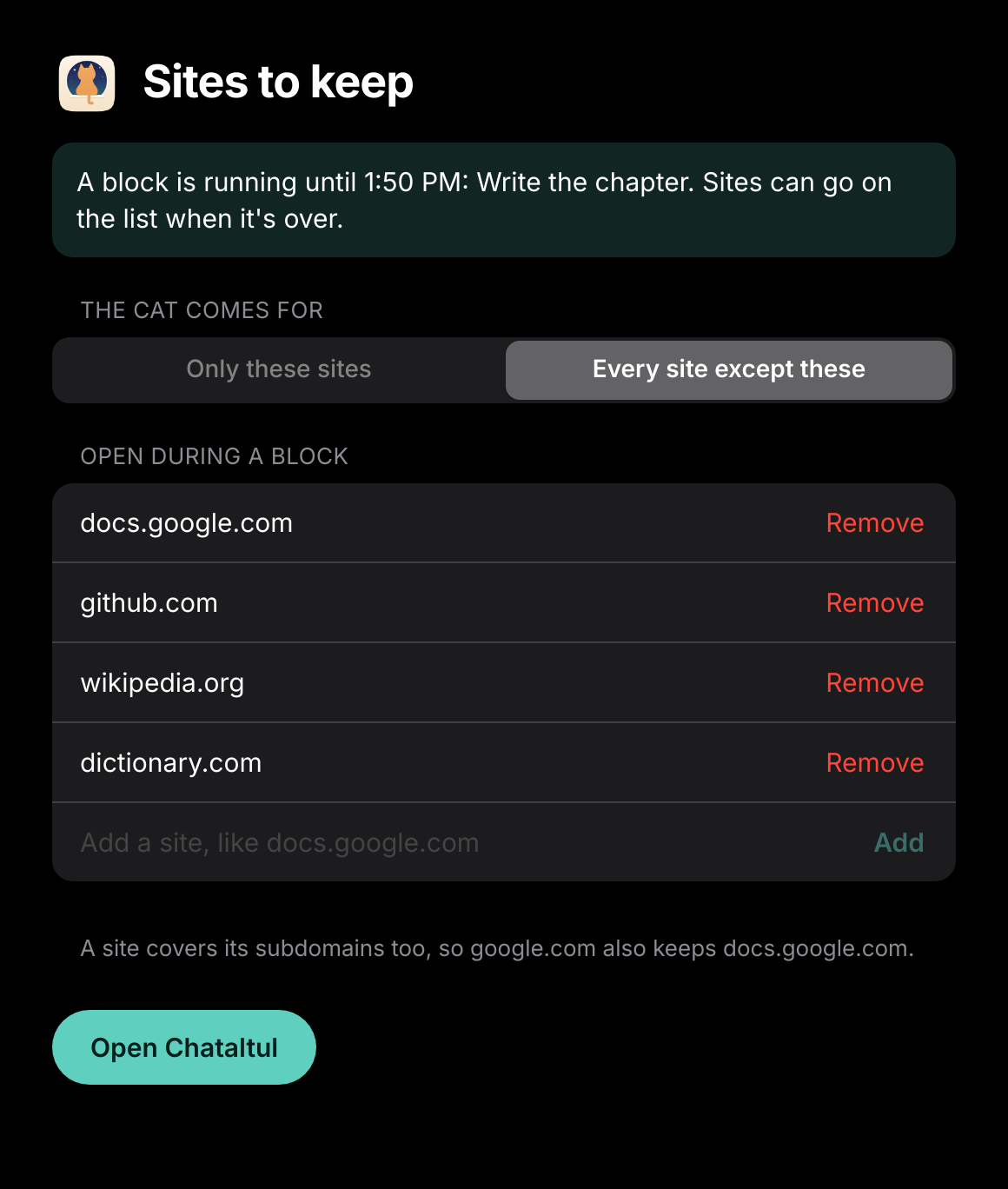
Sites to keep during a block, in light and dark mode.
How it fits with the kitten
The extension doesn't change the rule about leaving. If Chataltul is out of sight for more than about 15 seconds, the kitten still wanders off, and that includes switching to another tab in the same window. So on a computer, keep Chataltul in its own window (installed as an app, or just a small window in a corner) and work in the window next to it, which is what Cats says too. This way, instead of the kitten being the only thing keeping you honest, the sites you drift to just aren't there.
Opening a blocked site doesn't send the kitten off. You see the cat, you go back to work, and the kitten keeps growing.
A few details
- Pauses. A pause can move the end of a block by up to 5 minutes, so during a pause the list stays on until the latest the block could end. When you resume, it goes back to the real end.
- Chataltul closed. The extension sets its own alarm for the end of the block, so the list turns off on time even if Chataltul isn't open anymore.
- Stopping on another device. If you stop a block on your phone, the computer hears about it the next time Chataltul is open there. Until then, the list stays on until the time the block would have ended.
- Only whole pages. A YouTube video embedded in another site still plays. Only going to the site itself shows the cat.
- Chataltul itself never gets blocked, even if its address is on the list.
- Without Cat mode, the page just says "Boo! You're in a focus block." If the kitten wandered off, it says "Boo! Your block is still going.", and with Count extra time after the kitten came home, "Boo! Miso is home, and you're still going."
What it can see and keep
It asks for access to all sites, which sounds like a lot, so here's why. Your list can be any site, and a browser only lets an extension put its own page in place of a site it has access to. It never reads the pages you visit. The only page it reads is Chataltul's, and only the little message Chataltul sends when a block starts, pauses, stops or ends: whether a block is running, when it ends, what you're working on, and the kitten. That, your two lists, which of them is in use, and Chataltul's address are kept in the browser's storage for the extension, on your computer. Nothing is sent anywhere. The kitten picture on the cat page comes from the Chataltul you use, and removing the extension removes everything it kept.
For developers
The extension is plain Manifest V3 with no build step, in extension/. The same folder loads in Chromium and Firefox: Chromium runs background.js as a service worker, and Firefox runs common.js and background.js as a background page. The Chataltul page sends a kavana-block event on window (in tellExtension() in web/app.js) with { running, end, intention, cat: { id, name, kitten } }, and the extension's script on the page (kavana.js) keeps it in storage.local. Then background.js turns one declarativeNetRequest redirect rule on or off, for whole pages on the listed domains (requestDomains), or with Every site except these for every whole page but the kept domains and Chataltul's (excludedRequestDomains), with the address you wanted after the # of blocked.html. The script on the page says kavana-extension when it starts, and Chataltul answers with the block again, which is also how Settings knows the extension is there.
To run it with your own server, add your Chataltul's address to content_scripts.matches in manifest.json (and to DEFAULT_APP in common.js if you want Open Chataltul to go there before Chataltul was ever opened).
Two checks load it in a real browser against a sandbox Chataltul on localhost and take screenshots: node tools/ext-check.js http://localhost:<port>/ <out dir> in headless Chromium, and node tools/ext-check-firefox.js http://localhost:<port>/ <out dir> in headless Firefox. Both start a Docker container and remove it at the end, and like every test that writes, they refuse my live site. Developing Chataltul has the sandbox.
If something here doesn't match what the extension does, feel free to open an issue.
Back to the docs index