People and signing in
Tamlil is invite only, and there are no passwords. Everyone on the list signs in with a code that comes by email.
Signing in
- Open Tamlil, type your email or your username, and Send code.
- A 6-digit code comes by email. It works for 10 minutes.
- Type the code. The first time, there's also a box to pick a username: 2 to 32 letters, numbers, dots, dashes or underscores.
- Sign in.
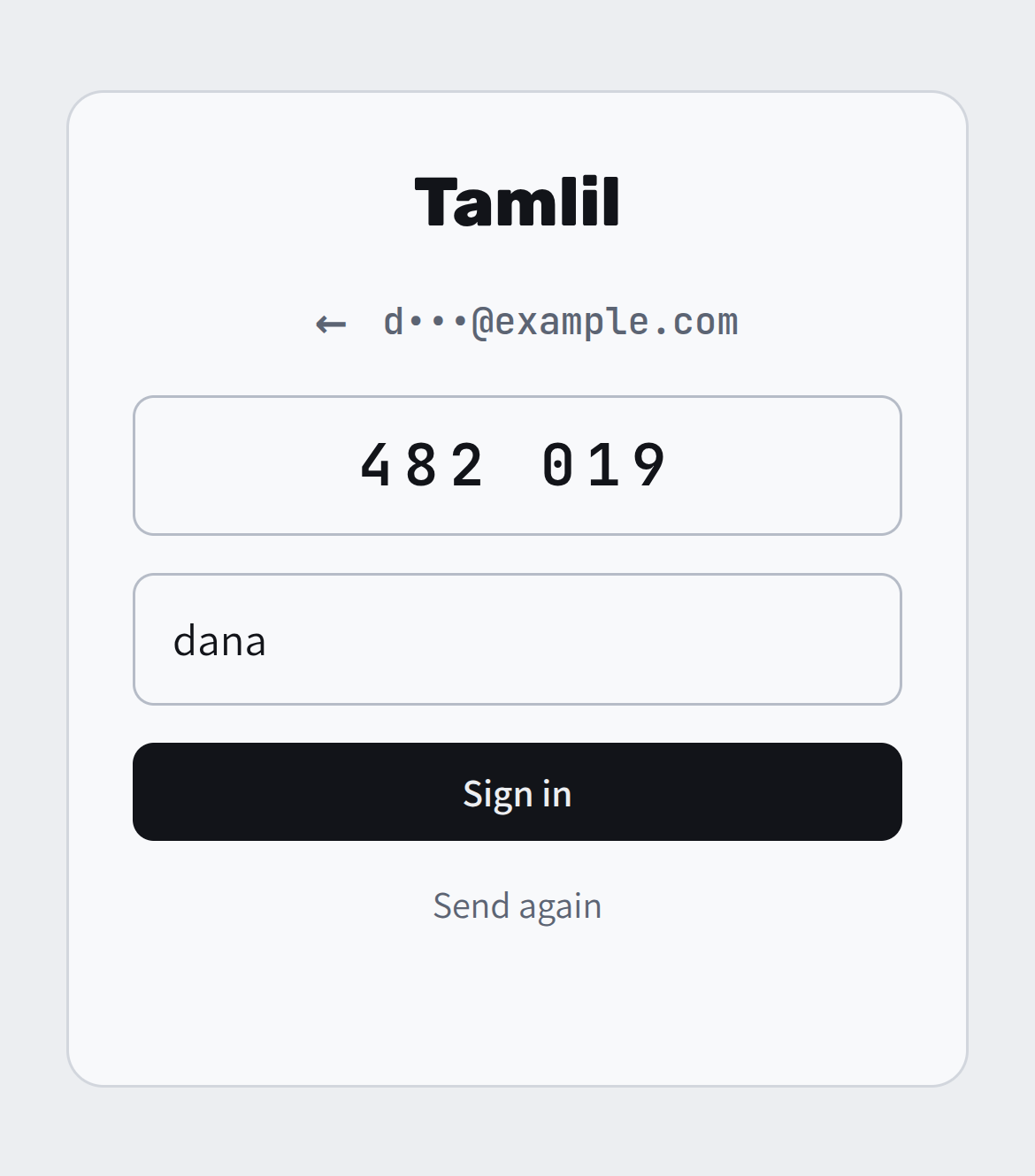
Signing in lasts 180 days on that browser, and it moves forward on each day you use it. ⏻ at the top signs out. On the tailnet there's no sign-in at all.
If the code doesn't come, look in spam, or Send again. ← goes back to change the address.
Inviting people
The first address on the list is the owner's. The owner sees People at the bottom of the Library, and so does anyone on the tailnet:
- Invite: type an email. They're on the list right away, and they get an email from me with the address and how to sign in.
- Invited means they haven't signed in yet. Once they have, their username shows instead.
- ✕ takes someone off the list, after asking once more. They're signed out everywhere at once, and if they're ever added back, their old sign-in doesn't come back with them.
Everyone on the list can search, watch and change the Library. Only the owner sees People.
Keeping it safe
- Only addresses on the list can get a code, so nobody can use Tamlil to send email to anyone else.
- Codes: 6 per IP address an hour, 3 to one address every 15 minutes and 8 a day, and 100 an hour in all.
- Each code works for 10 minutes and 5 tries, and 20 wrong codes from one IP address in an hour stop it for a while.
- Outside the tailnet, the sign-in is checked on every request, the video itself included, so a copied video link doesn't work for someone who isn't signed in.